Slow Motion Playback
Capture and review footage at up to 240fps. Step through frame by frame to catch the details that happen too fast to see in real time.
Side-by-Side Comparison
Play two clips simultaneously to compare technique before and after coaching sessions. Spot the difference instantly.
Drawing & Annotation Tools
Draw angles, lines, and notes directly on your video to highlight key moments and share feedback with athletes.
Multi-Angle Recording
Record from two angles at once using two iOS devices. The second angle transfers to your primary device, syncs automatically using audio, and plays back side by side.
AI Skeleton Overlay
Automatically track body position and movement with an AI-powered skeleton overlay, so you can see posture and joint angles at a glance.
Apple Watch Remote
Preview the shot, start and stop recording, and adjust camera settings right from your wrist.
Record Your Analysis
Screen-record your playback session with an inset camera to capture your breakdown and share it with athletes.
Your Library, No Upsells
Videos live in your Apple Photo Library. No proprietary cloud storage plans. Keep a reference album of pro athlete clips for quick comparisons.
See SportCam in action
From the first replay to a closer look at your technique.
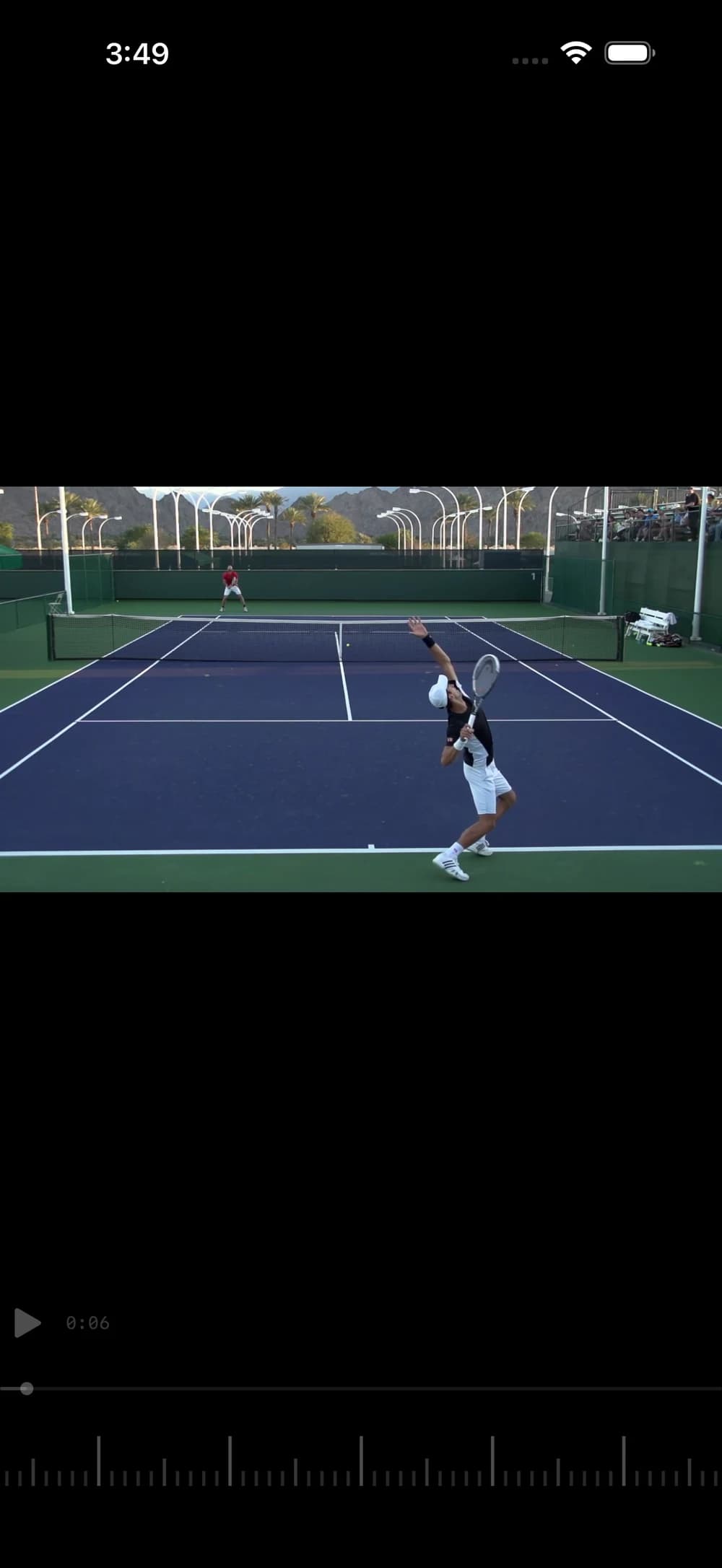
Review every frame 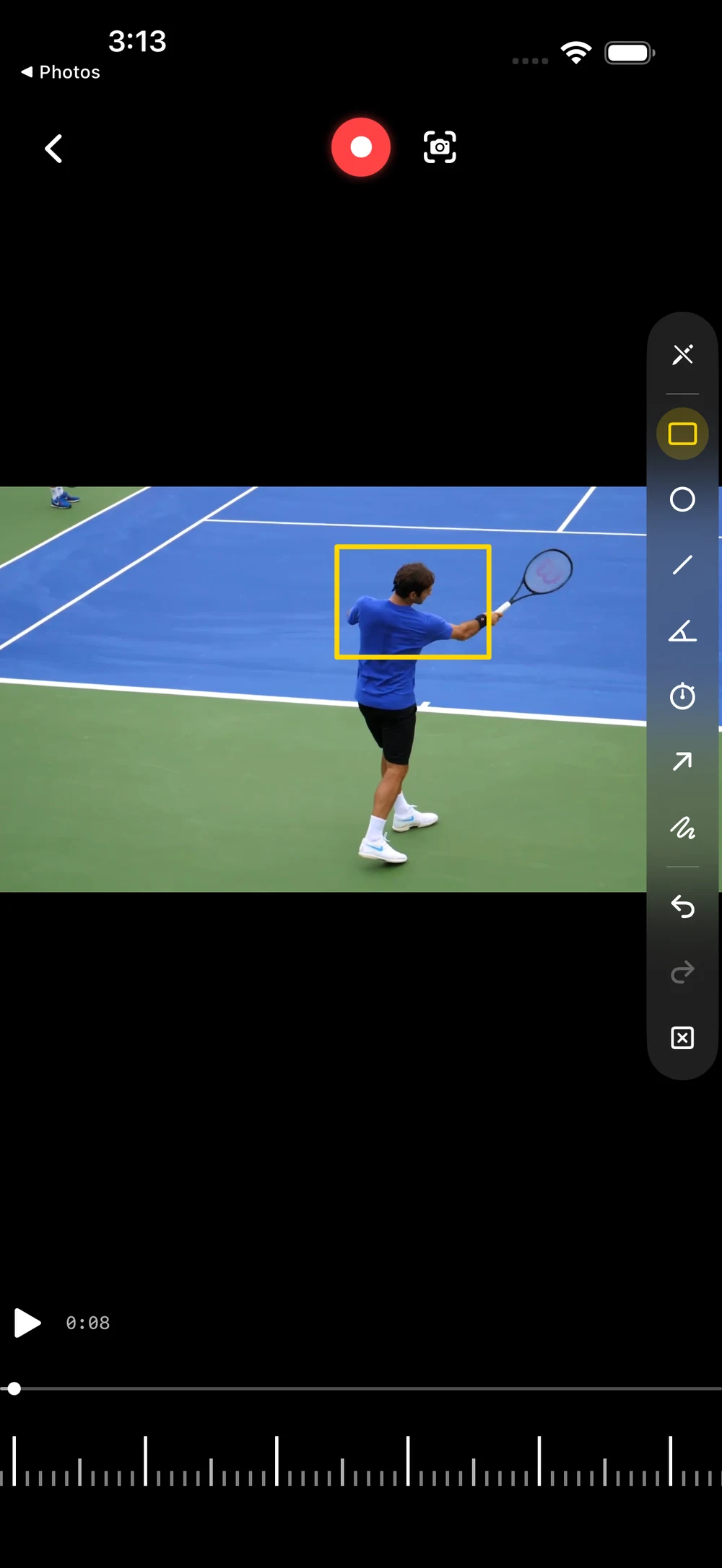
Highlight the details 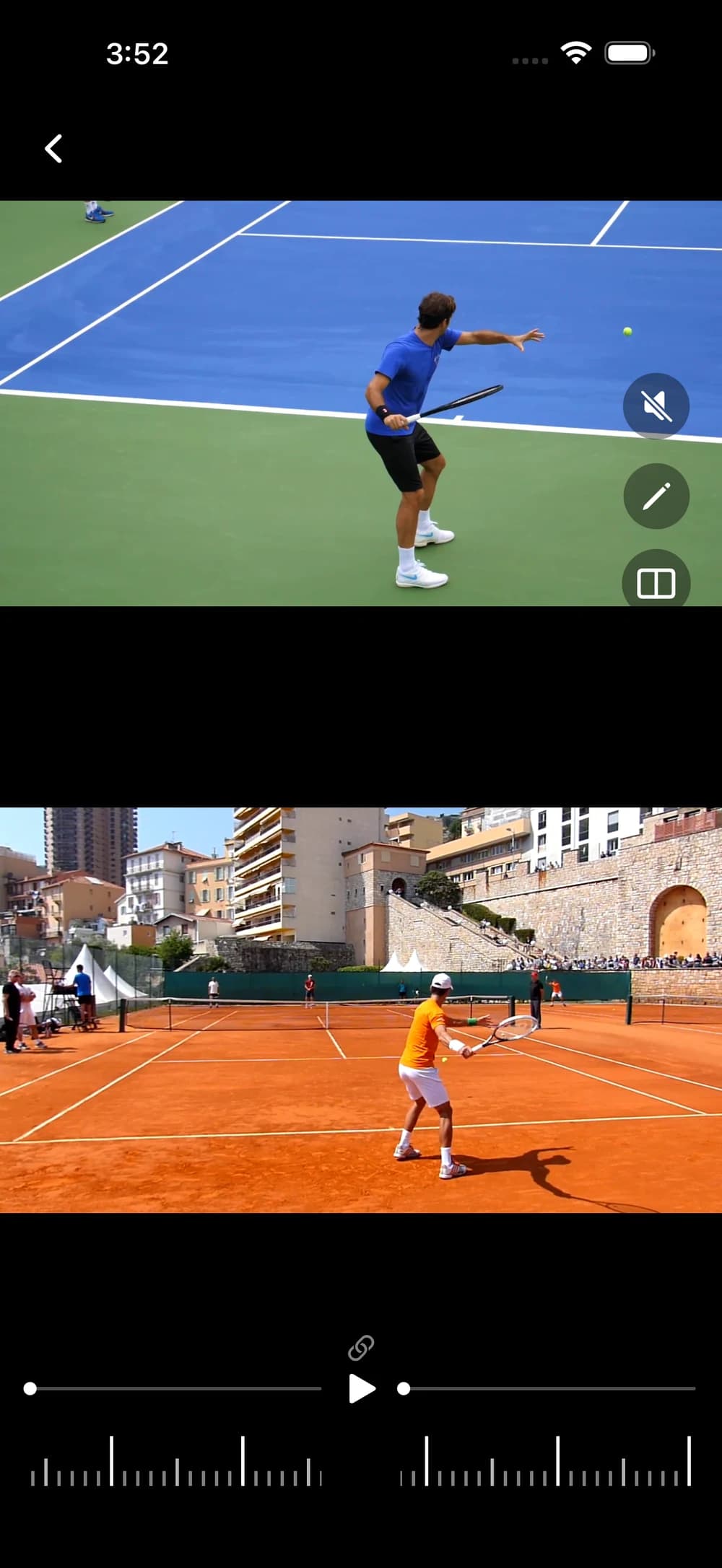
Compare your technique